🎬 Edius 11 For Mac: Download, Installation Guide & Best Options
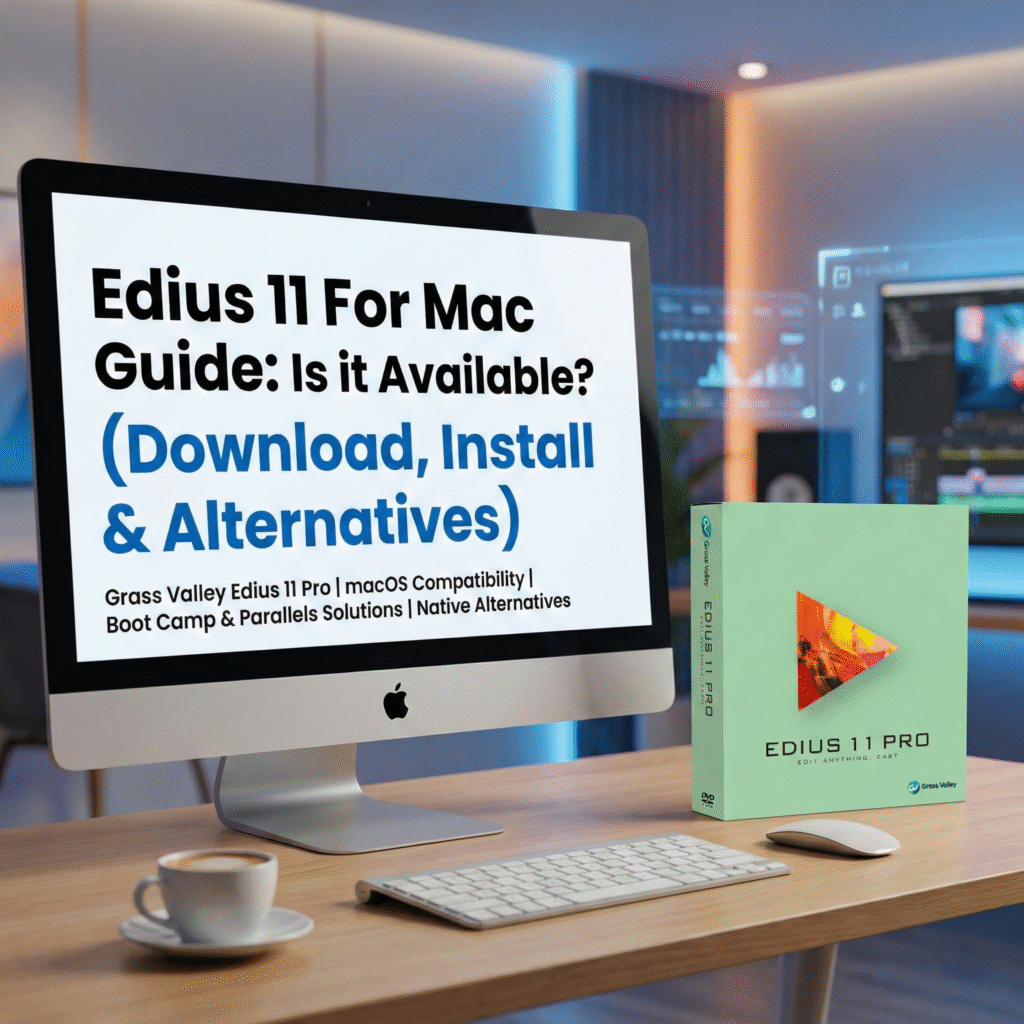
Edius 11 has arrived! 🎉 It brings powerful AI tools, improved glitch effects, and the new Chorus Hub for collaboration. It remains a favorite among broadcast professionals and wedding video editors for its unmatched stability. But for Apple users, the big question remains: Is Edius 11 available for Mac? 🤔
If you have moved to a MacBook Pro or iMac and want to keep using your favorite NLE, this guide covers everything you need to know about running Edius 11 on macOS and where to get the best resources.
Is Edius 11 Available Natively for Mac? 🖥️
The short answer is No ❌.
Grass Valley, the developer of Edius, has not released a native version of Edius 11 for macOS. The software is built exclusively for the Windows architecture.
However, you can still run Edius 11 on a Mac if you use specific workarounds! 👇
> 💡 Pro Tip: If you decide to stick with a Windows workstation or install Windows on your Mac, ensure you are using a legitimate copy for maximum stability.
👉 Buy Edius 11 Genuine Windows License Here – Get the official software instantly.
How to Install Edius 11 on Mac 🛠️
The method you choose depends entirely on whether you have an older Intel Mac or a newer Apple Silicon (M1, M2, M3) Mac.
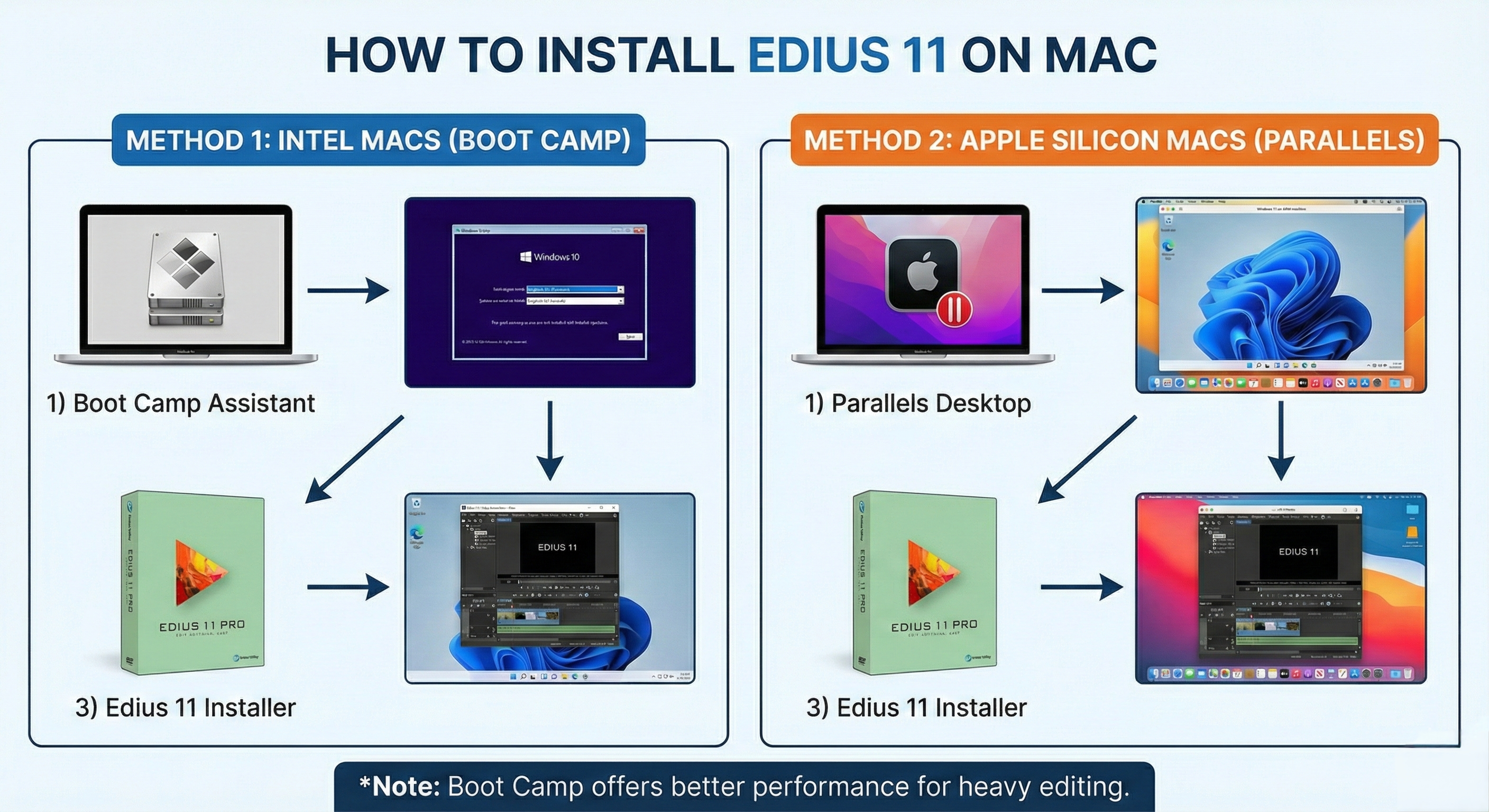
Method 1: Boot Camp (Best for Intel Macs) ⚡
* Compatibility: Intel-based Macs only.
* Performance: High (Uses 100% Hardware).
If you own an older MacBook or iMac with an Intel processor, you are in luck! 🍀 You can use Apple’s built-in Boot Camp Assistant to install a full version of Windows 10/11.
* Open Boot Camp Assistant (found in Utilities).
* Follow the prompts to download and install Windows.
* Once Windows is running natively on your Mac hardware, install Edius 11.
Why this works best: Boot Camp allows Windows to use your Mac’s full CPU and GPU power, which is essential for rendering 4K video.
Method 2: Parallels Desktop (For M1/M2/M3 Macs) 🍏
* Compatibility: Apple Silicon & Intel.
* Performance: Moderate.
Newer Macs use Apple Silicon, which does not support Boot Camp. You must use virtualization software like Parallels Desktop to run Windows 11 (ARM version).
⚠️ Warning: Edius relies heavily on hardware acceleration (Intel Quick Sync). Running it through virtualization on an M1/M2 chip may cause laggy playback.
🚀 Speed Up Your Workflow: Essential Edius Resources
Whether you manage to run Edius on your Mac via Boot Camp or you decide to keep a dedicated Windows PC for editing, the key to success is speed.
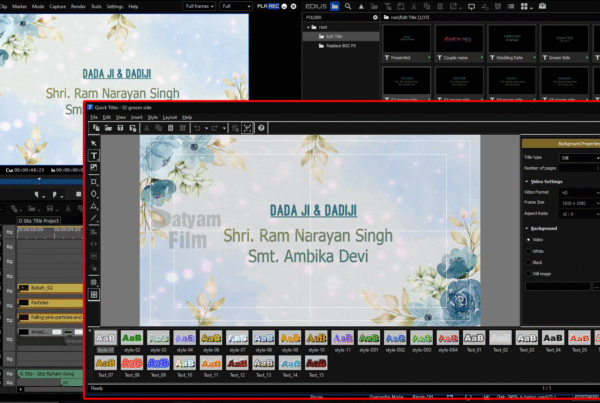
Many editors stick with Edius specifically for its incredible ecosystem for wedding videography. Don’t waste time creating effects from scratch!
🎥 Boost Your Creativity:
Check out premium ready-to-use assets. From wedding titles to transitions, these packs save you hours of work:
👉 Download Best Edius Wedding Projects & Data HereDownload Best Edius Wedding Projects & Data Here
Top 3 Native Mac Alternatives to Edius 11 💻
If running Windows on your Mac feels too complicated, here are the best native macOS alternatives that rival Edius 11:
1. Final Cut Pro (The Apple Standard) 🌟
Optimized perfectly for Apple Silicon.
* Pros: One-time purchase, lightning-fast rendering ⚡.
* Cons: Magnetic timeline is different from Edius.
2. DaVinci Resolve (Best Free Option) 🎨
The industry standard for color grading.
* Pros: Basic version is 100% free and powerful.
* Cons: Steeper learning curve.
3. Adobe Premiere Pro 🎞️
If you want an interface that feels like Edius (tracks, bins, layout), this is the closest match.
* Pros: Industry-standard interface.
* Cons: Monthly subscription.
Conclusion ✅
While there is no direct “Edius 11 for Mac” download button, you aren’t out of options! If you have an Intel Mac, Boot Camp is your best friend.
If you are setting up your editing station (Windows or Mac), make sure you have the right tools:
* ✅ Software: Get Your Edius 11 Genuine License
* ✅ Assets: Get Professional Edius Wedding Projects
Happy Editing! ✂️🎥